Prerequisites
Digital Ocean Token
We will upload the Digital Ocean token into Config0 as a credential.
- Login into Config0
- Click DASHBOARD
- Go to your username pull down window
- Click SETTINGS
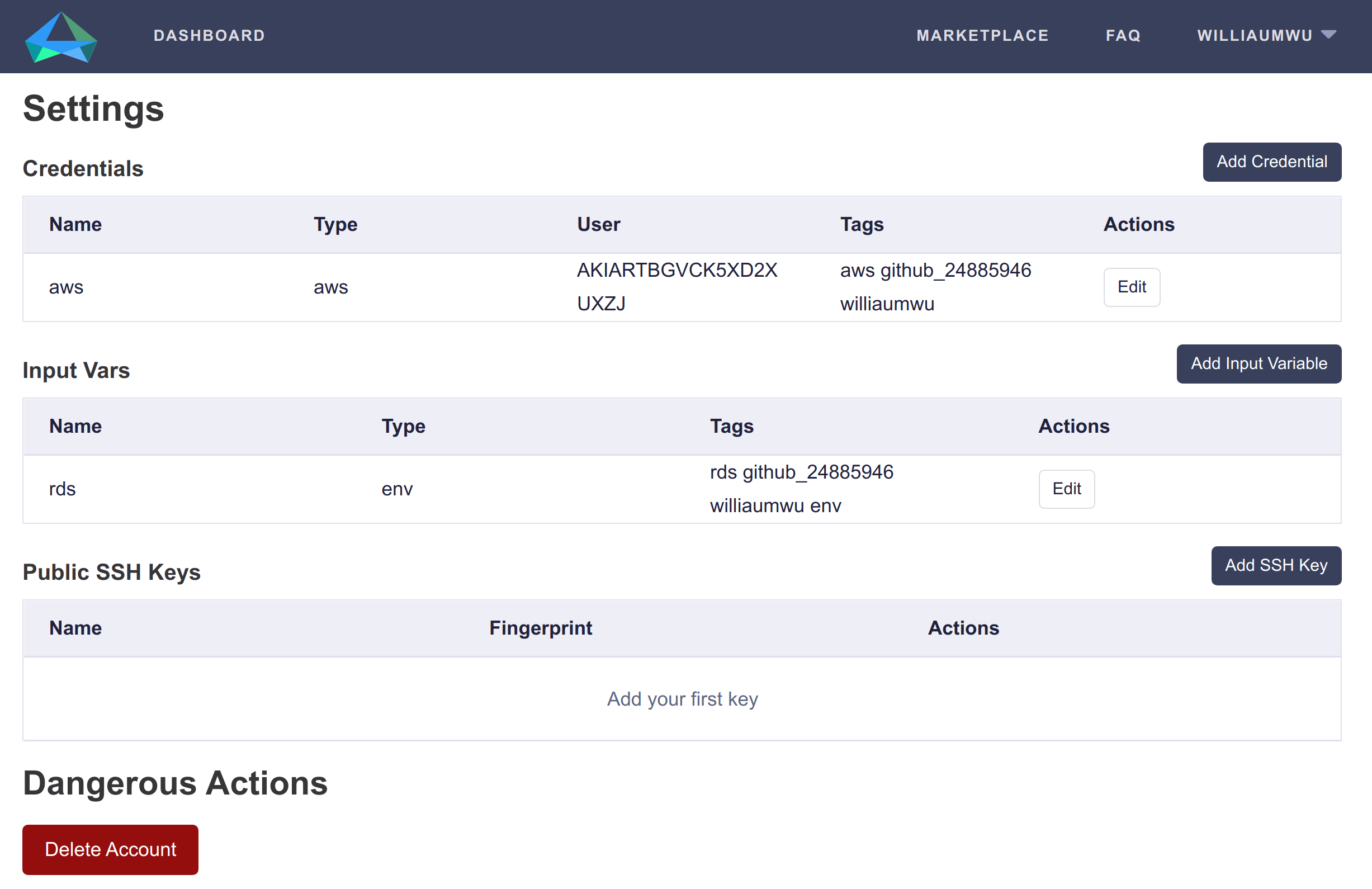
- Click Add Credential
- Enter name:
do-token - Leave User ID field empty
- Enter Password: Your Generated Digital Ocean Token
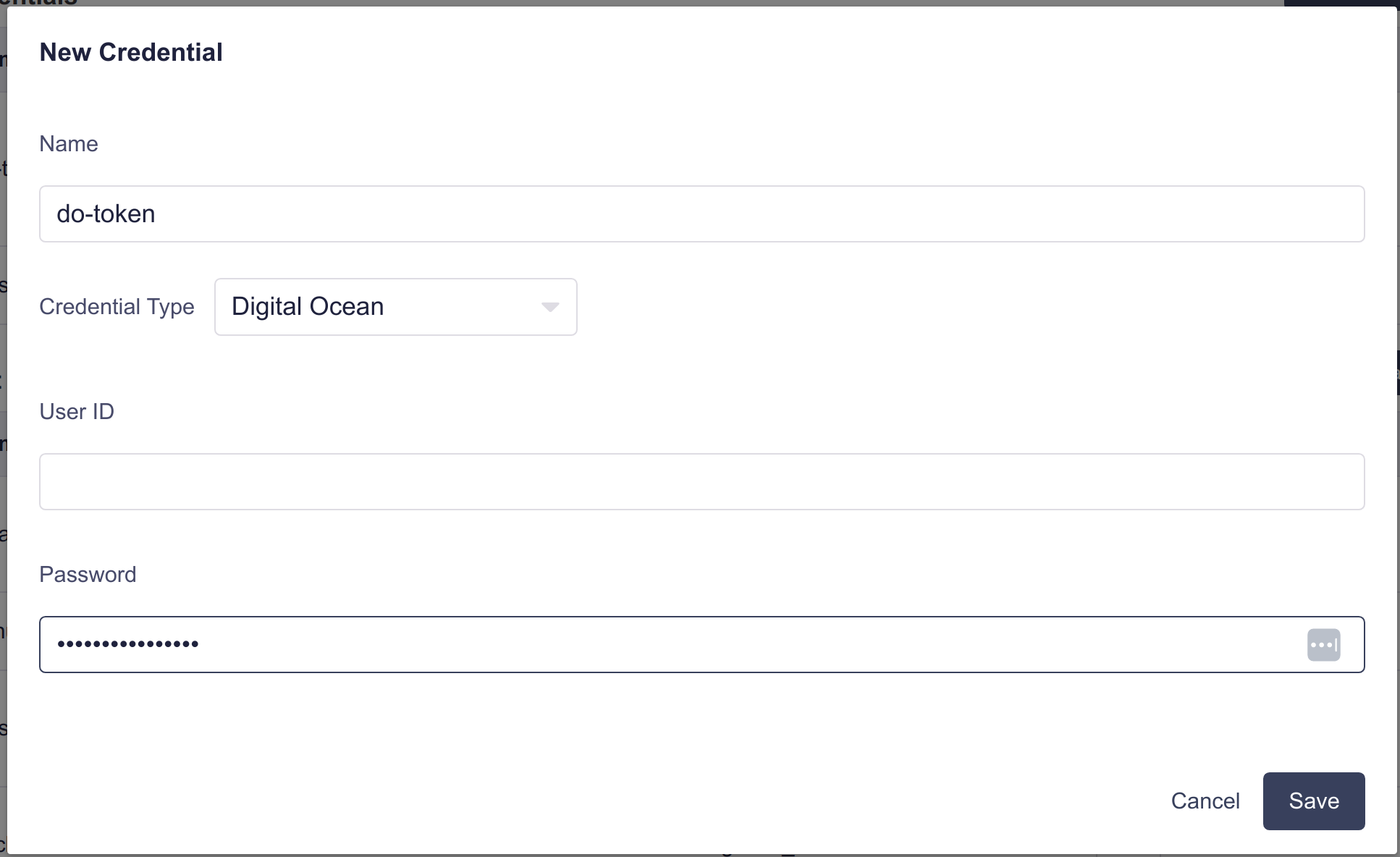
- Click Save
When added successfully, the Digital Ocean token credentials should appear as shown below:
