Jenkins
This stack creates a Jenkins instance.
Prerequisites
Add Project to Config0
- Go to Home → click Add Project
- Select and click launch-config0 as the launch repository
- Type branch name: do-jenkins
- Add project name: do-jenkins-101
- Click Add Project
Configure Jenkins
- Click DASHBOARD
- Click do-jenkins-101
You should see something similar to below:
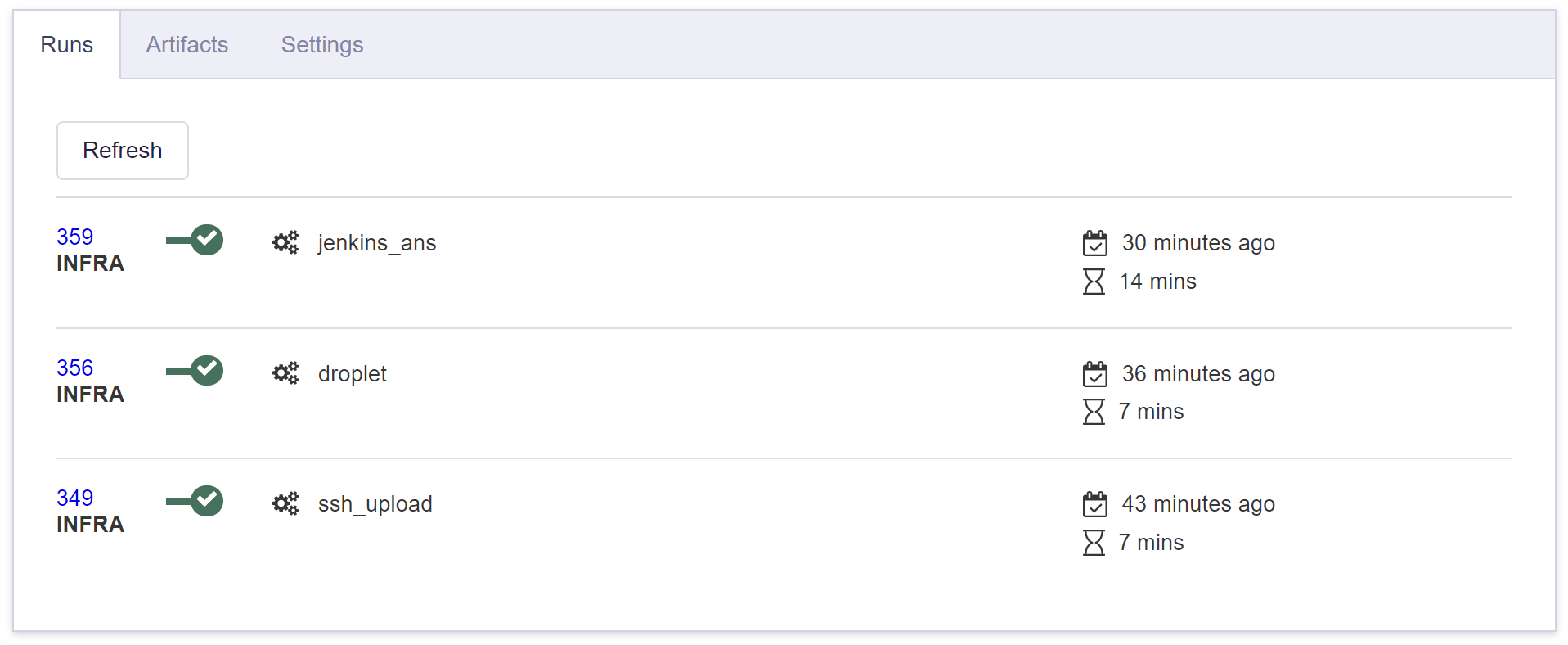
- Click on jenkins_ans
- Click Output tab
- Copy the jenkins password for the Jenkins instance
- Place the jenkins url into the browser
Note: In the following steps, you’ll need to accept the self-signed certificates.
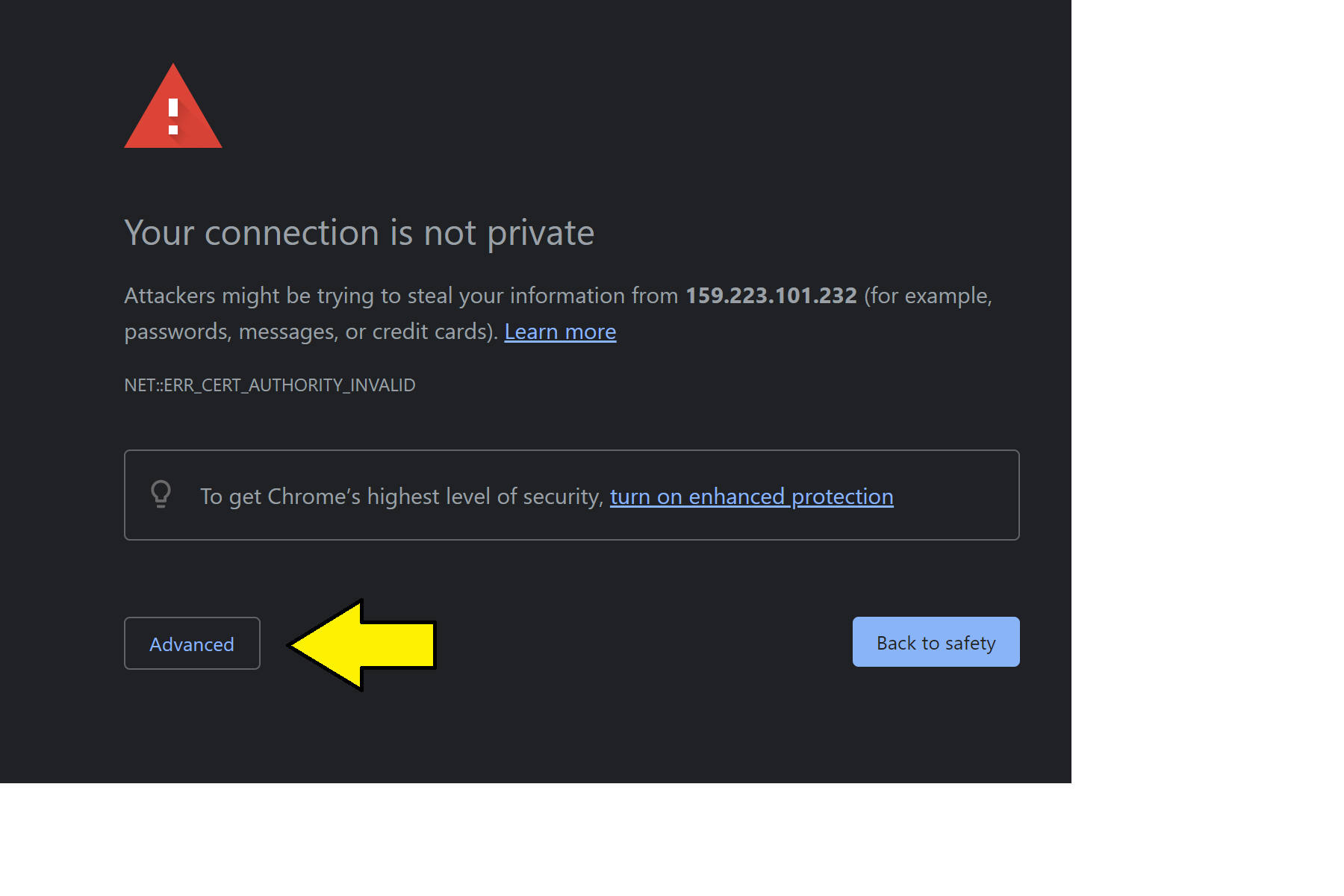
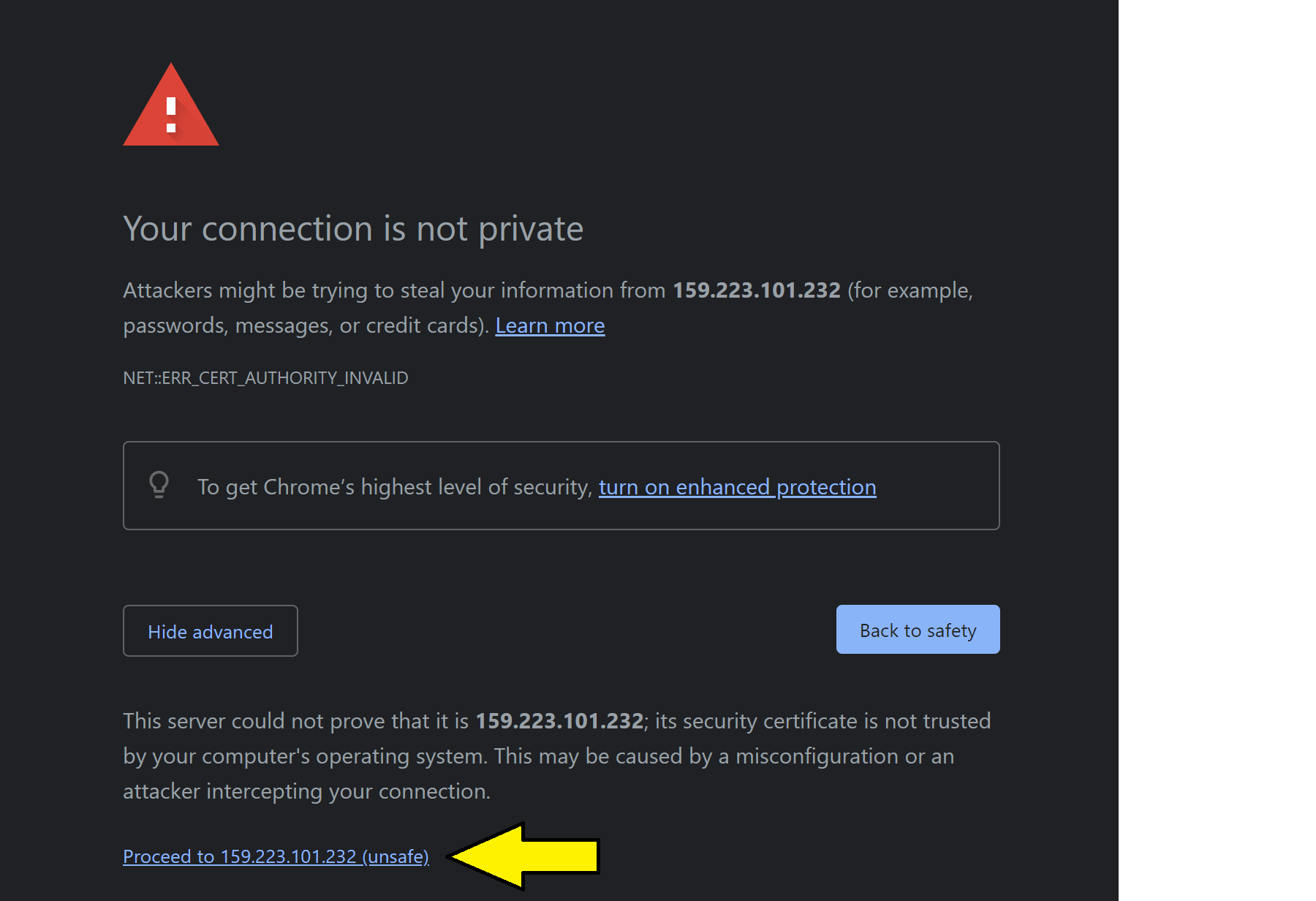
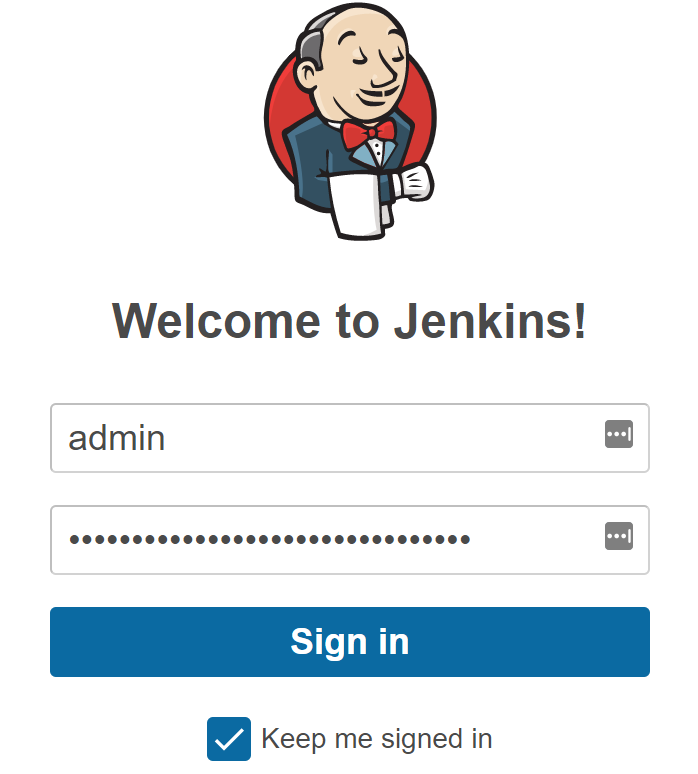
- Enter user: admin
- Enter password: jenkins_password
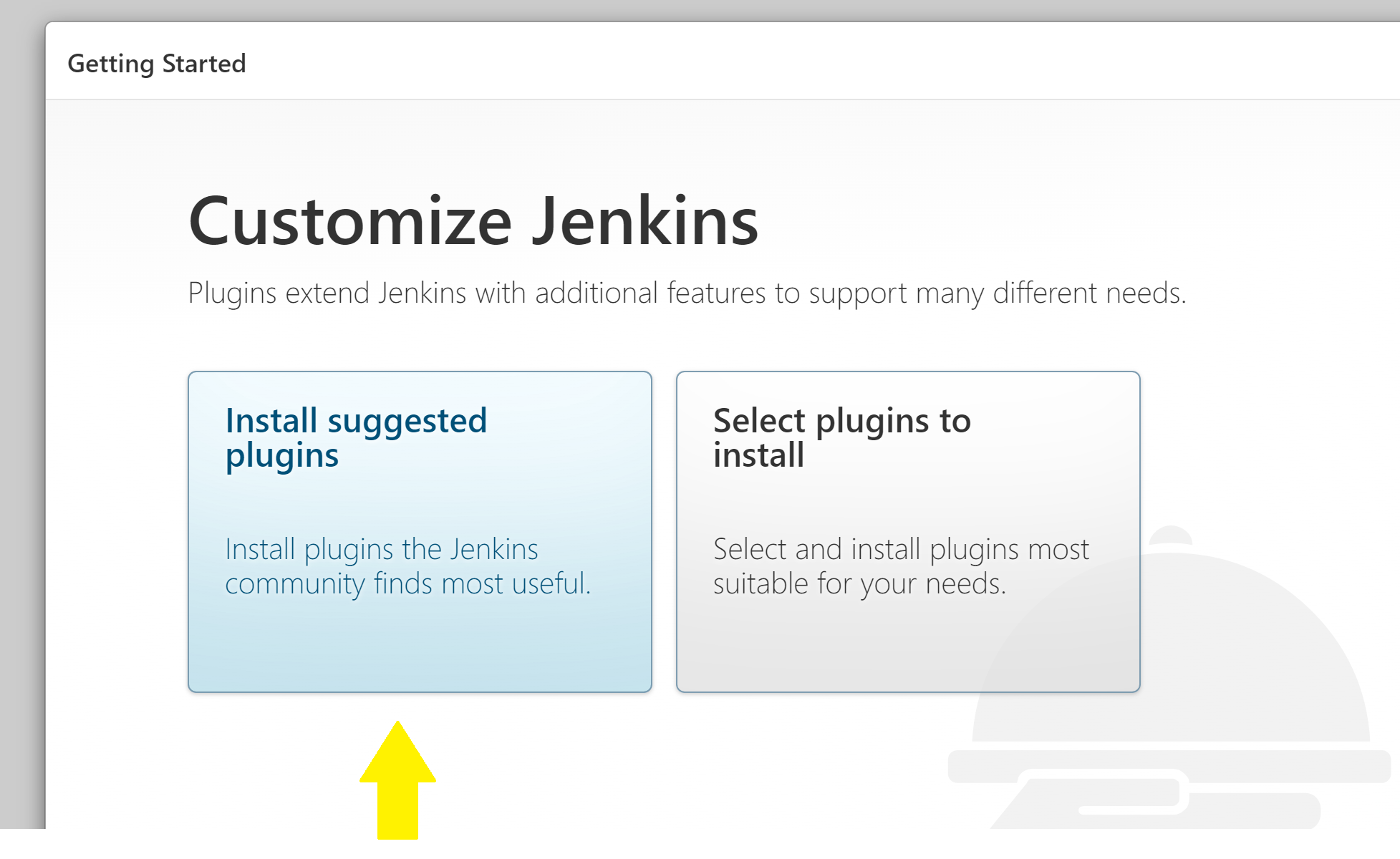
- Click Install suggested plugins
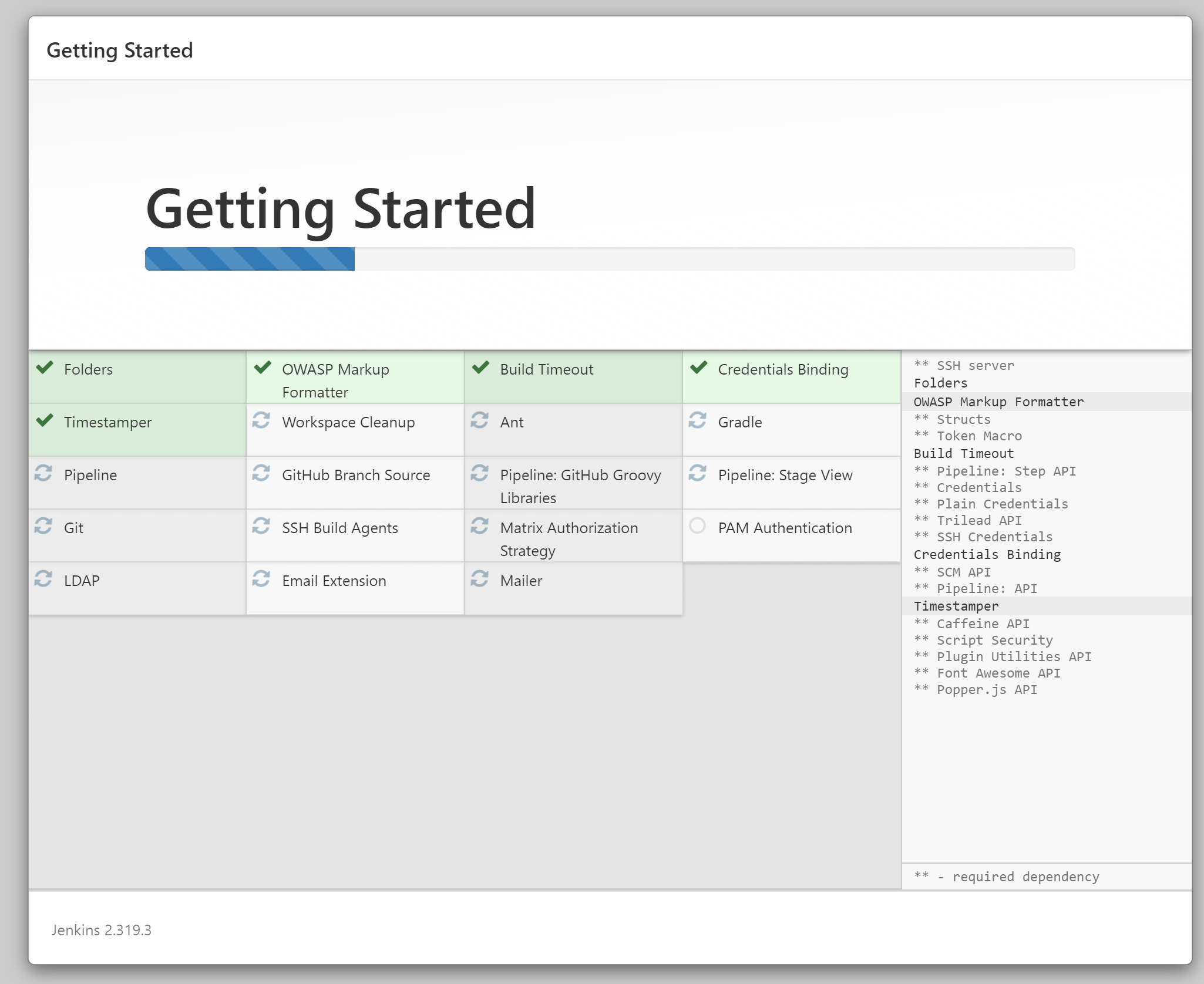
You should see installation progress below:
- Click Not now

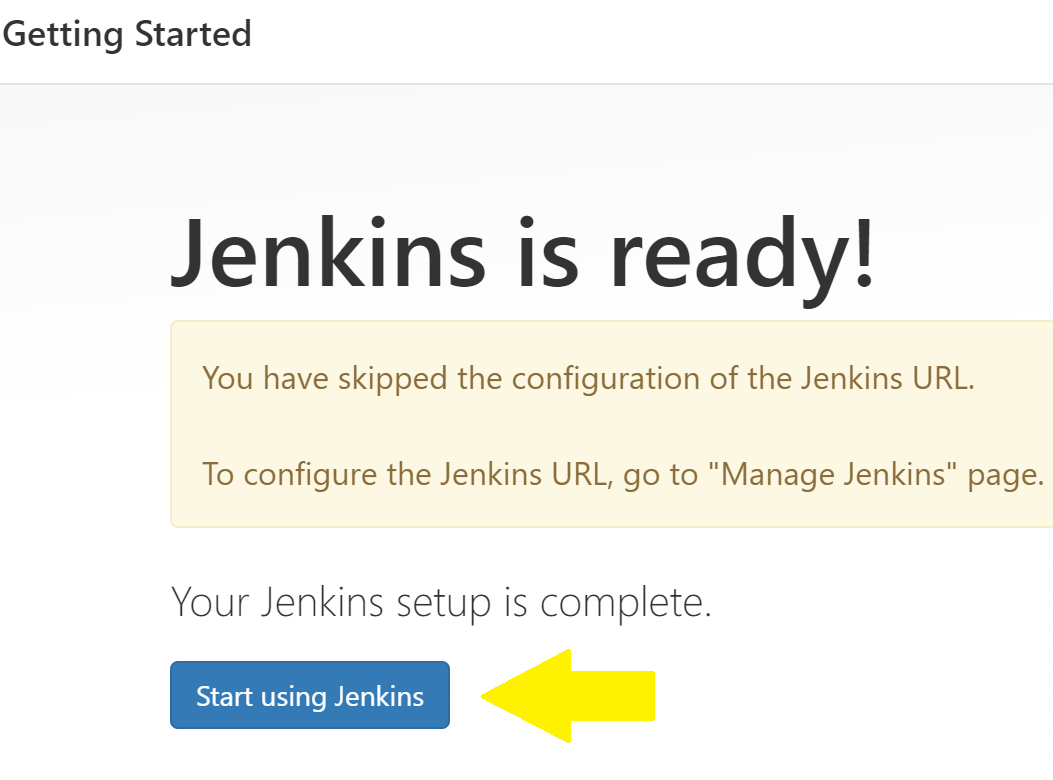
- Click Start using Jenkins
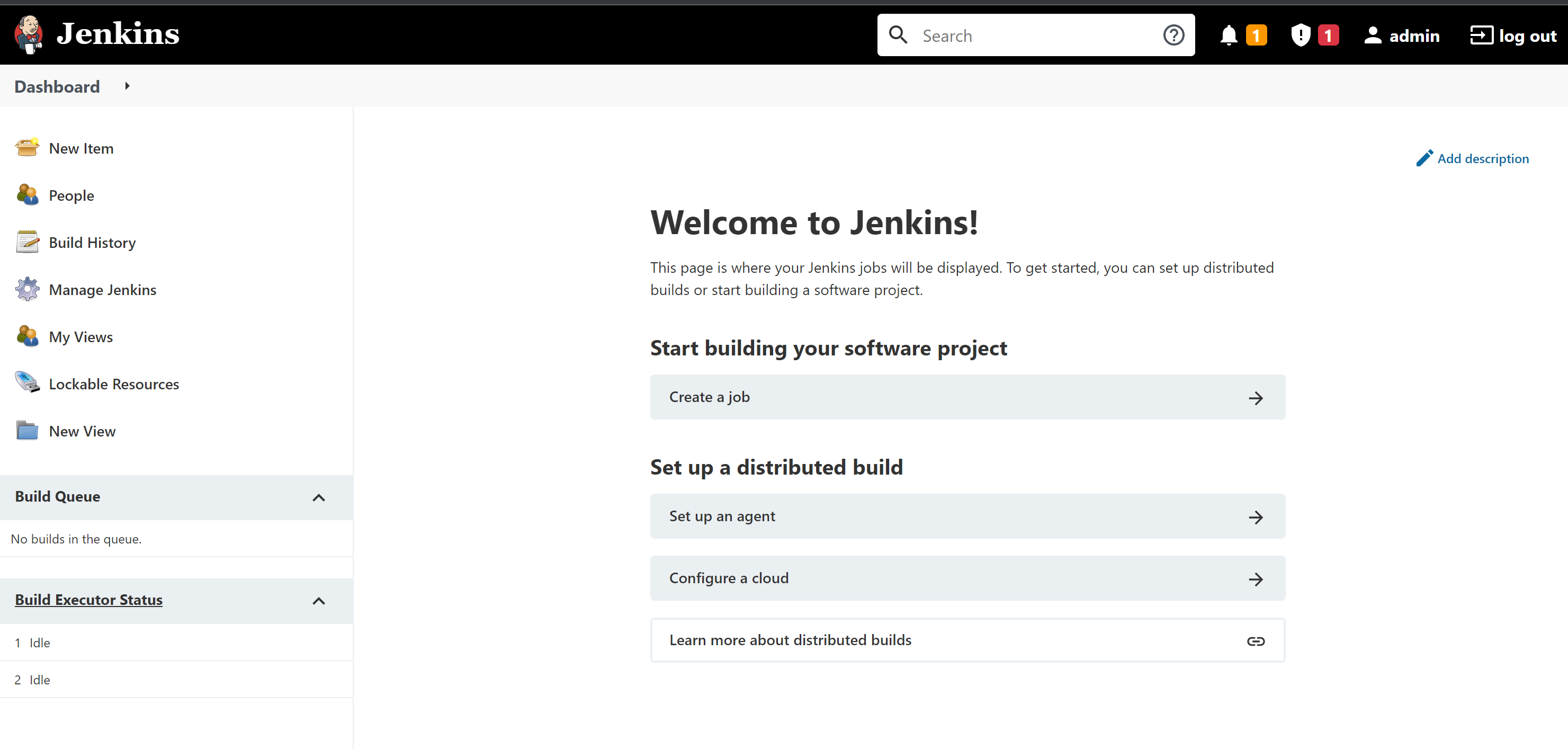
Jenkins is now ready to use:
Customized config0.yml
You can create your own config0.yml:
global:
  metadata:
    labels:
       general:
         environment: dev
         purpose: test
       infrastructure:
         cloud: do
    matchSelectors:
       ssh_key_info:
         match_labels:
           cloud: do
           environment: dev
         match_keys:
           provider: do
         match_params:
           must_exists: True
           resource_type: ssh_public_key
infrastructure:
   jenkins:
       stack_name: config0-publish:::jenkins_on_do
       arguments:
          name: eval-jenkins
          region: NYC1
          size: s-1vcpu-2gb
          with_monitoring: true
          with_backups: false
          with_ipv6: false
          with_private_networking: false
          with_resize_disk: false
       metadata:
          labels:
            - general
            - infrastructure
          matchSelectors:
            - ssh_key_info
          credentials:
            - reference: do-token
              orchestration: true